
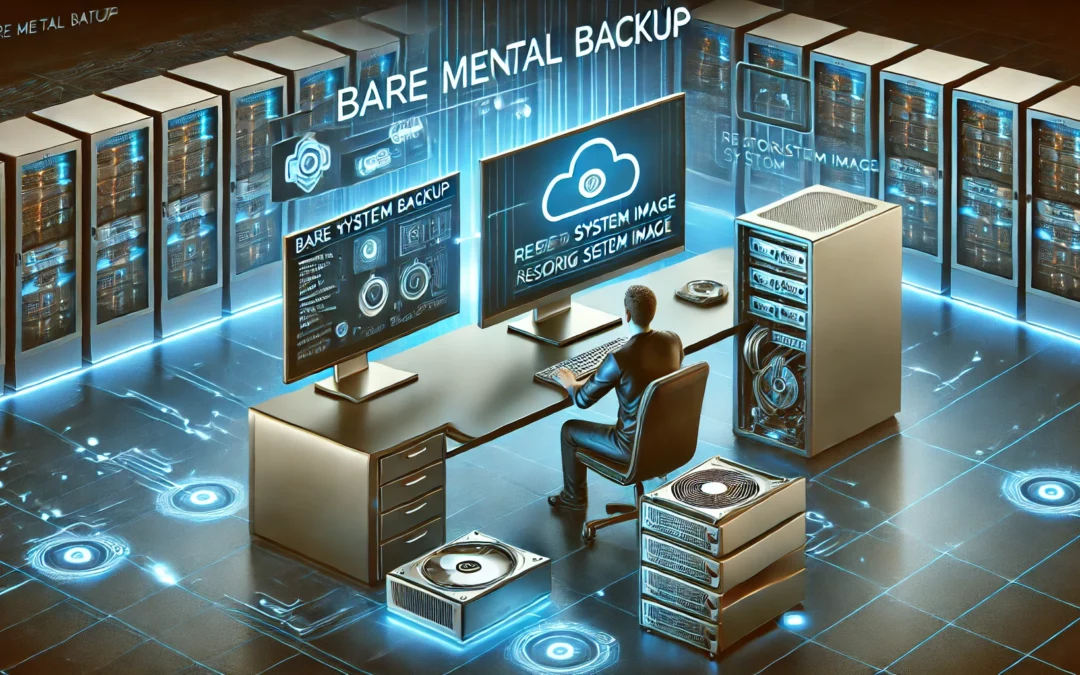
Why Bare Metal Backup is Essential for Every Machine
Understanding Bare Metal Backup in Simple Terms
Imagine your computer as a fully furnished house. It has all your furniture (files), appliances (software), and personal decorations (settings). Now, what if a disaster strikes and everything is lost? A standard backup is like saving your furniture and important documents, but a Bare Metal Backup is like having a blueprint of your entire house, allowing you to rebuild it exactly as it was.
A Bare Metal Backup (BMB) is a full backup of an entire system, including the operating system, installed applications, files, and system settings. It allows you to restore a machine to its exact previous state, even on a new or blank system, without the need for manual reinstallation.
Why is a Bare Metal Backup Important?
- Instant Recovery from Disasters
Whether it's a hardware failure, cyberattack, or accidental damage, a BMB ensures that you can restore everything quickly without wasting time reinstalling programs or configuring settings from scratch.
- Essential for Machines with Critical Applications
Some computers run business-critical applications that cannot afford downtime. If these machines crash, productivity halts. A BMB allows for a fast and full recovery, minimizing disruptions.
- Protection for Legacy Software and Licenses
Many businesses use software with licenses that are no longer available or difficult to retrieve. A Bare Metal Backup ensures that these applications remain intact, preventing costly replacements or compliance issues.
- Hardware Independence
If your original machine fails and replacement hardware is different, a Bare Metal Backup can restore everything to a new device without compatibility issues.
- Security Against Cyber Threats
Ransomware attacks can lock users out of their data. With a Bare Metal Backup, you can completely wipe and restore your system to a clean state, avoiding ransom payments.
How to Implement Bare Metal Backup?
- Use Dedicated Backup Software: Many tools offer automatic and scheduled full-system backups.
- Store Backups in Multiple Locations: Use an external hard drive and cloud storage for redundancy.
- Regularly Test Restorations: Ensure your backups work properly before disaster strikes.
🚀 Bare Metal Backup is the ultimate safety net for your machines. Whether it's a business-critical system or a personal computer, having a full system image ready ensures complete peace of mind.
Latest Posts

Protected: price list
Password Protected
To view this protected post, enter the password below:

File and Folder Backup
Why File and Folder Backup Matters & The Power of Versioning Understanding the Basics in Simple Terms What is a File and Folder Backup? Imagine your computer is like a filing cabinet, and inside, you have important documents, pictures, and files. Now, think of a...
Our Microsoft 365 Data Backup Solution
Why It’s Crucial to Back Up Microsoft 365 Data with Our M365 Backup Solution The Myth of Microsoft 365 Data Protection Many businesses assume that Microsoft 365 has built-in data backup, but that’s a common misconception. While Microsoft ensures platform availability...

unified Backup solution
GICPM Technology’s unified Backup solutionOne Unified Solution With Flexible of Deployment Options GICPM Technology’s unified Backup solution gives you the most flexibility to meet a range of client needs based on budget, environment, infrastructure, and compliance...